Cold outreach only works if the email actually reaches someone. Whether you're prospecting for sales, reaching out to a journalist, or trying to connect with a potential partner, the first hurdle is often just getting a working email address.
Guessing rarely works. But between publicly available information, purpose-built lookup tools, and a few search tricks, finding a legitimate business email address is usually more doable than it looks. These work the same way whether you're running your outreach tools from a cloud server or your home computer, and whether you're running Windows or a Linux-based operating system. Here are eight methods that actually work.
1. Try an email permutator
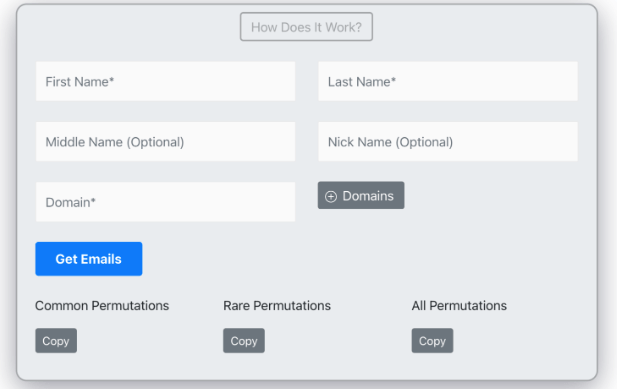
An email permutator generates the likely combinations of a name and domain that a person's email address might follow, things like firstname.lastname@company.com, flastname@company.com, or first@company.com. Instead of guessing one variation at a time, the tool produces a full list of plausible formats so you can test or verify them.
This works best when you already know the person's employer's domain. It's far less reliable for personal email addresses (Gmail, Yahoo, etc.), where there's no company-wide pattern to lean on.
2. Check social media profiles

Some people list a contact email directly on their social profiles, especially on platforms aimed at professional or public-facing use.
LinkedIn: Check the contact info section on a person's profile. Many professionals list an email address here, particularly if they're open to networking or business inquiries.
Facebook: The "About" section can include a public email address, though this depends entirely on the person's privacy settings. Many users keep this private.
Instagram: Business and creator accounts sometimes show a contact email in the bio, viewable from the mobile app. Personal accounts rarely include this.
If nothing is listed publicly, sending a direct message to ask is a reasonable next step, and generally more effective than trying to extract hidden data.3. Use an email finder or lookup tool
Dedicated email finder tools search public data, company websites, and known patterns to suggest a likely email address for a given name and company. Well-known tools in this category include Hunter, Snov.io, Apollo, Voila Norbert, and Lusha, several of which also offer browser extensions for LinkedIn.
Most offer a limited number of free lookups per month before requiring a paid plan. Exact limits and pricing change fairly often, so check each tool's current pricing page.
Whichever tool you use, run the result through an email verifier before sending anything. A found address is only useful if it's actually deliverable.
4. Search engine tricks
A direct Google search for a name in quotation marks, paired with a company name or the word "email," sometimes surfaces a listed address on a company page, press release, or conference bio.
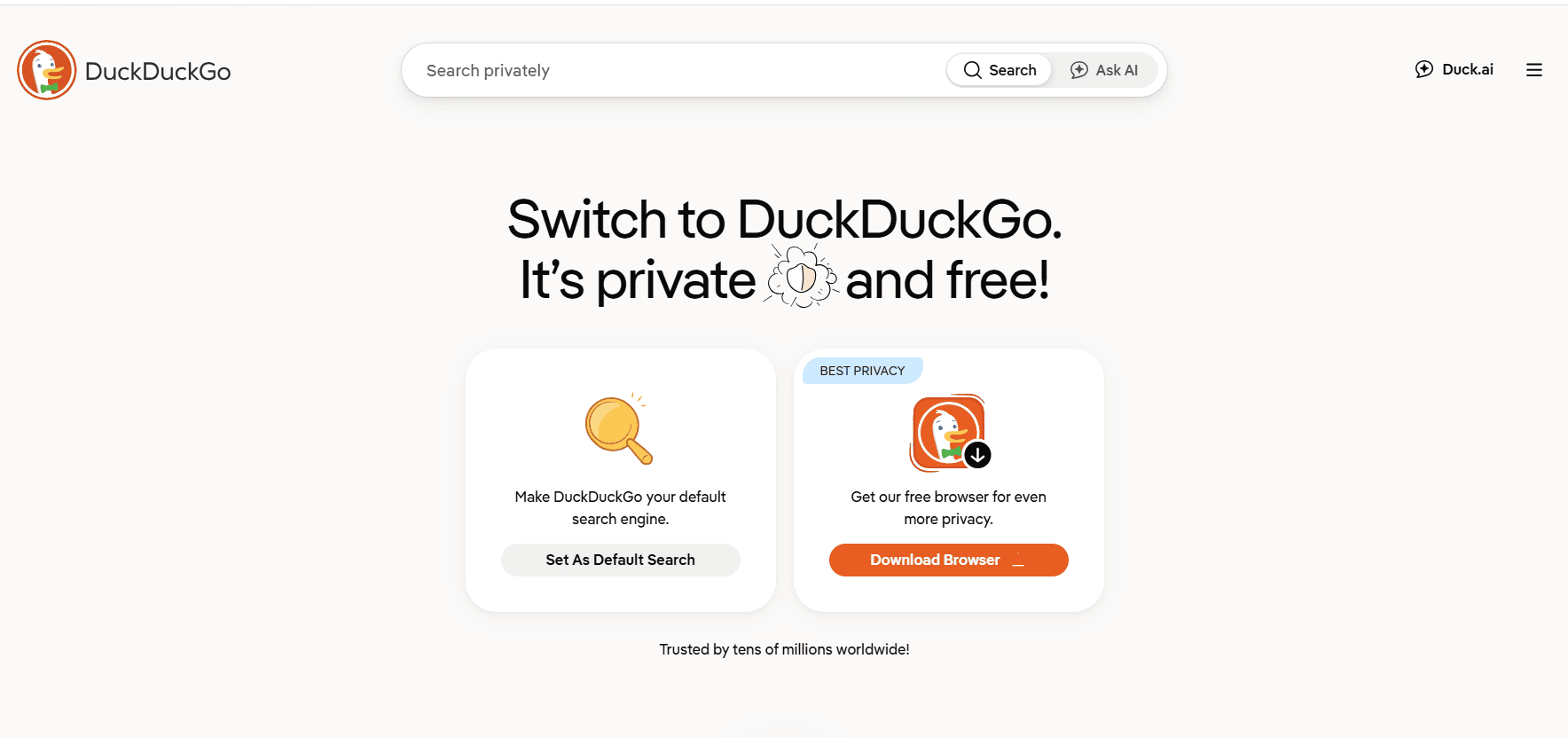
DuckDuckGo has a specific trick worth knowing: searching an exact match like "@companydomain.com" can surface publicly indexed pages containing addresses at that domain. This works on DuckDuckGo and some other engines, but not reliably on Google or Bing, where the @ symbol is more commonly tied to social handles.
5. Check WHOIS data
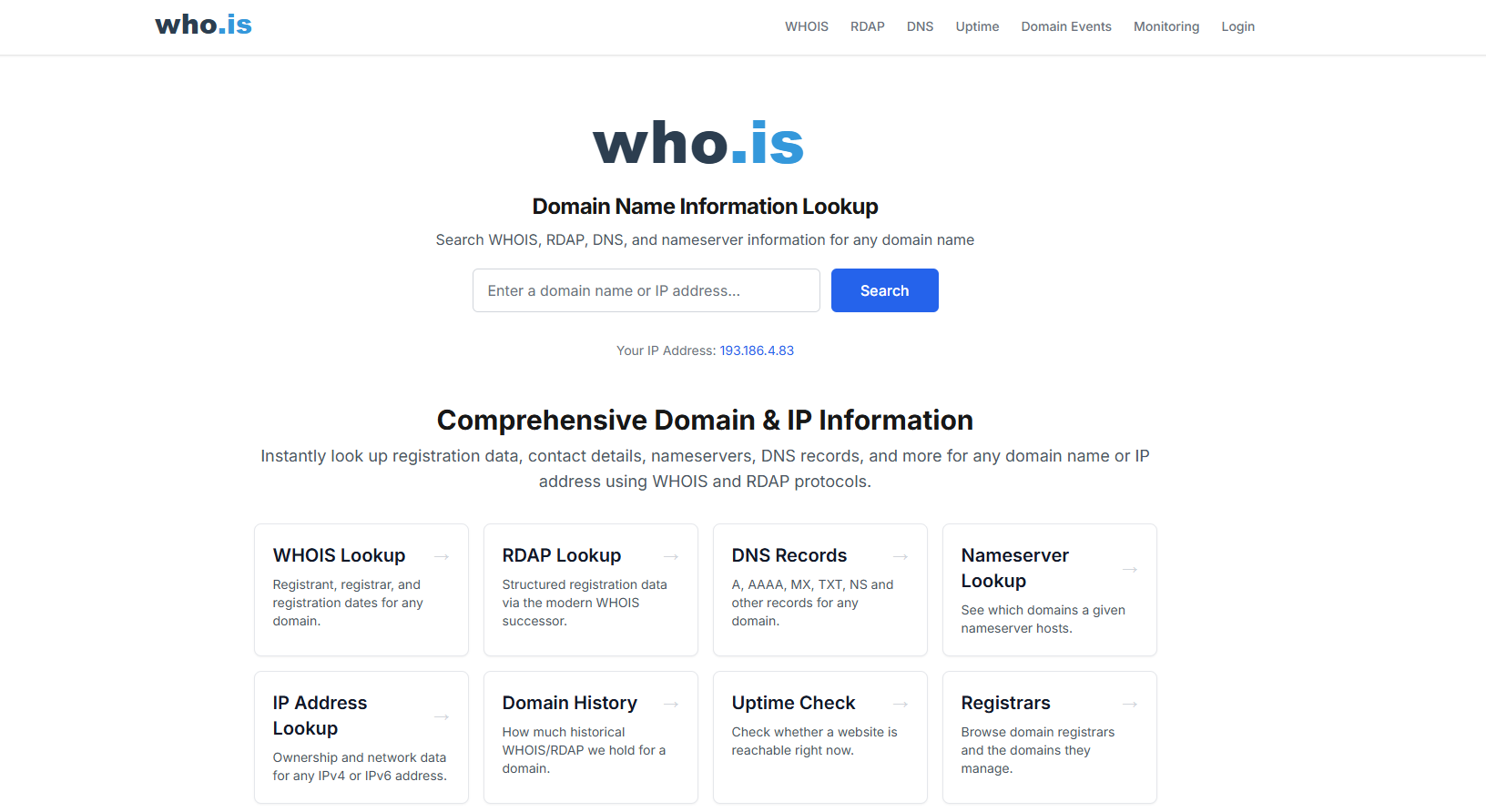
If your target owns a domain name, for example, a personal blog, a small business site, or a portfolio, the WHOIS record for that domain sometimes includes a registrant email address.
This depends heavily on whether the person has WHOIS privacy protection enabled, which many domain registrars now offer by default or as a low-cost add-on. So treat this as a "worth a quick check" method rather than a reliable one.
6. Check the company website directly
Company sites remain one of the more straightforward sources. Check the About page, the team or leadership page, and the contact page. Larger companies often list a general contact form or a department email (sales@, press@, support@) rather than individual addresses, but smaller companies and agencies frequently list direct emails for team members.
Author bylines on a company's blog topics are another good source if you're trying to reach a specific writer or contributor.
7. Extrapolate from a known pattern
Most companies use one consistent format for employee email addresses, such as first.last@company.com or firstinitiallast@company.com. Once you know one confirmed address at a company, you can apply the same pattern to find others there.
This is one of the more reliable methods on this list, since you're working from a confirmed data point rather than a guess. And verify the result before sending, since exceptions to a company's pattern do happen (shared first names, role-based addresses, and so on).
8. Use a browser or CRM plugin
Several browser extensions surface contact info directly while you're browsing LinkedIn, a company site, or your email inbox, saving you from switching tools mid-workflow. Many CRM platforms also include built-in enrichment features that attempt to fill in a contact's email automatically based on the name and company you enter.
As with dedicated finder tools, treat the result as a starting point to verify, not a confirmed deliverable address.
Always verify before you send
However you find an address, run it through an email verification tool before adding it to any outreach list. This checks whether the address is currently active and correctly formatted, which matters for two reasons: it protects your sender reputation (high bounce rates get flagged by mail providers), and it saves you from wasting outreach effort on a dead address.
Frequently Asked Questions
What is email outreach?
Email outreach is the practice of contacting people you don't have an existing relationship with, usually for a specific goal like sales, partnerships, link building, or press coverage.
Why is it easier to find email addresses at large companies?
Large companies typically use one consistent format across the organization. Once you confirm a single address, you can usually apply the same pattern to find colleagues at the same company.
What's the best way to find an email address for blogger or journalist outreach?
Start with the author's byline or bio page, which often links to a contact email or social profile. If that's not listed, a personalized LinkedIn message is usually more effective than a cold guess.
Is it legal to look up someone's email address for outreach?
Looking up publicly available information, like an address listed on a company site or a social profile, is generally fine. Where it gets more complicated is what you do with it afterward: regulations like GDPR and CAN-SPAM place requirements on commercial email (consent, opt-outs, honest sender identification) regardless of how you found the address. This isn't legal advice, so check the rules that apply to your location and your recipient's.
What's the fastest way to find email addresses in bulk?
A dedicated finder tool with CSV export or a spreadsheet integration is the practical option here. Manual methods like WHOIS or social profile checks don't scale well past a handful of contacts.
Are there any other tools to reach out to a recipient?
Apart from emails, you can also make a personal connection with your prospects through direct messages on their social media profiles.

Kavita Verma is an experienced content writer with over 10 years of experience in the field. She has worked with several tech companies, including Unisoft Technologies, NIIT, and Infotech, and has written extensively on a variety of technical topics.